 HEMRA
HEMRAHEMRA for Mac
Your runs, on your Mac.
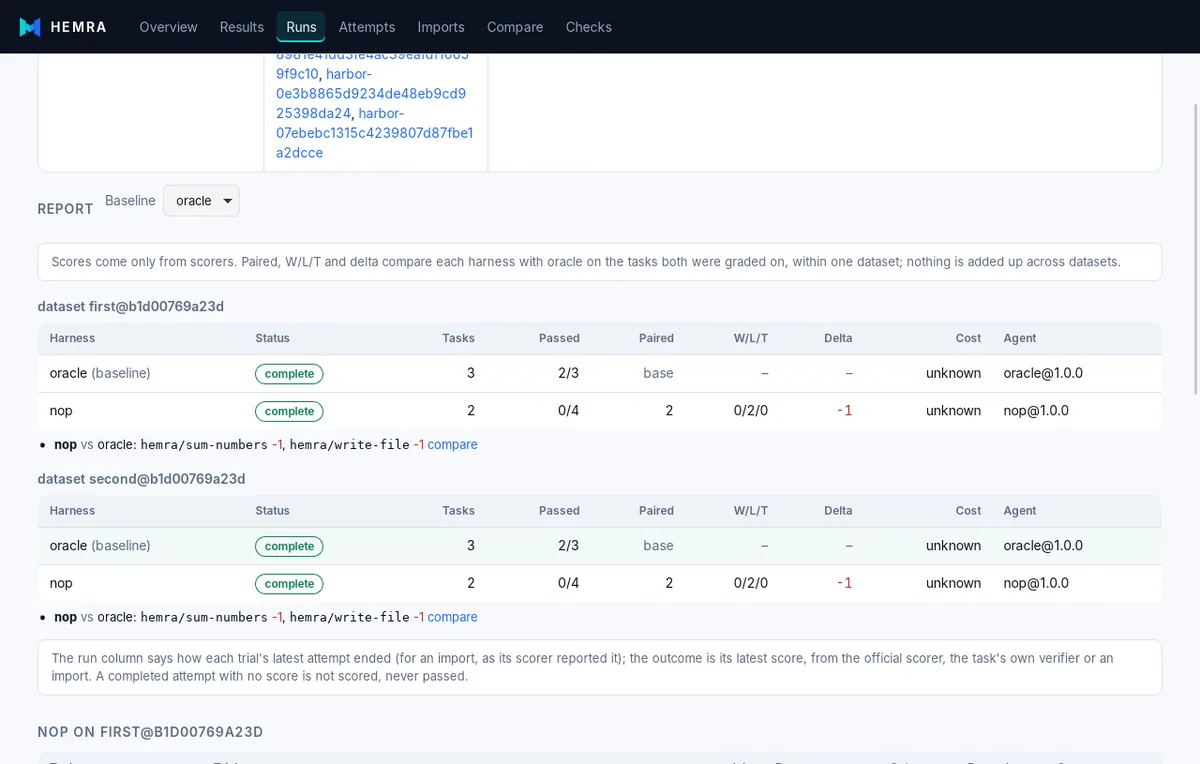
Open a store, build a run from pinned datasets and harness files, follow it live, and read the report. The app runs the same queue and records the same runs as the hemra CLI, with no server to start.
What you get
One universal app for Apple silicon and Intel, macOS 13 Ventura or later.
Signed and notarized
Built by a GitHub workflow, signed with a Developer ID under the hardened runtime and notarized by Apple, so Gatekeeper opens it without a warning.
Updates itself, safely
Updates are signed with HEMRA's own key and tied to their version. The app refuses an update with a bad signature or a lower version.
Same runs as the CLI
Runs, imports and exports go through the same library as hemra, and the store is the same folder. Open it from either.
Stays on your machine
The views read the store in process, with no port open. Leasing the queue to remote workers is off until you confirm it.
Install
- Download the
.dmgabove and open it. - Drag HEMRA into Applications.
- Open it and choose a store folder, or create one. A store made by
hemraon the command line opens as is. - Docker Desktop (or another
docker) is needed for runs in the Docker sandbox. The app finds the tools on your login shell'sPATH; Checks shows what it found.
Build it from source
On a Mac with Rust 1.80+, Node.js 22+ and the Xcode command line tools. A build made this way is unsigned and does not update itself.
git clone https://github.com/UmaiTech/hemra && cd hemra
npm ci
npm run build -w packages/ui
cd apps/desktop
npm run tauri build -- --bundles app
# src-tauri/target/release/bundle/macos/HEMRA.app
Prefer the command line?
The hemra CLI runs on Linux and macOS and builds with Cargo.
cargo install --git https://github.com/UmaiTech/hemra hemra-cli hemra-drivers
hemra doctor
Then follow the quick start.